Guides for photos that look published.
Text behind your subject, seamless carousels, frames and camera details, step by step.

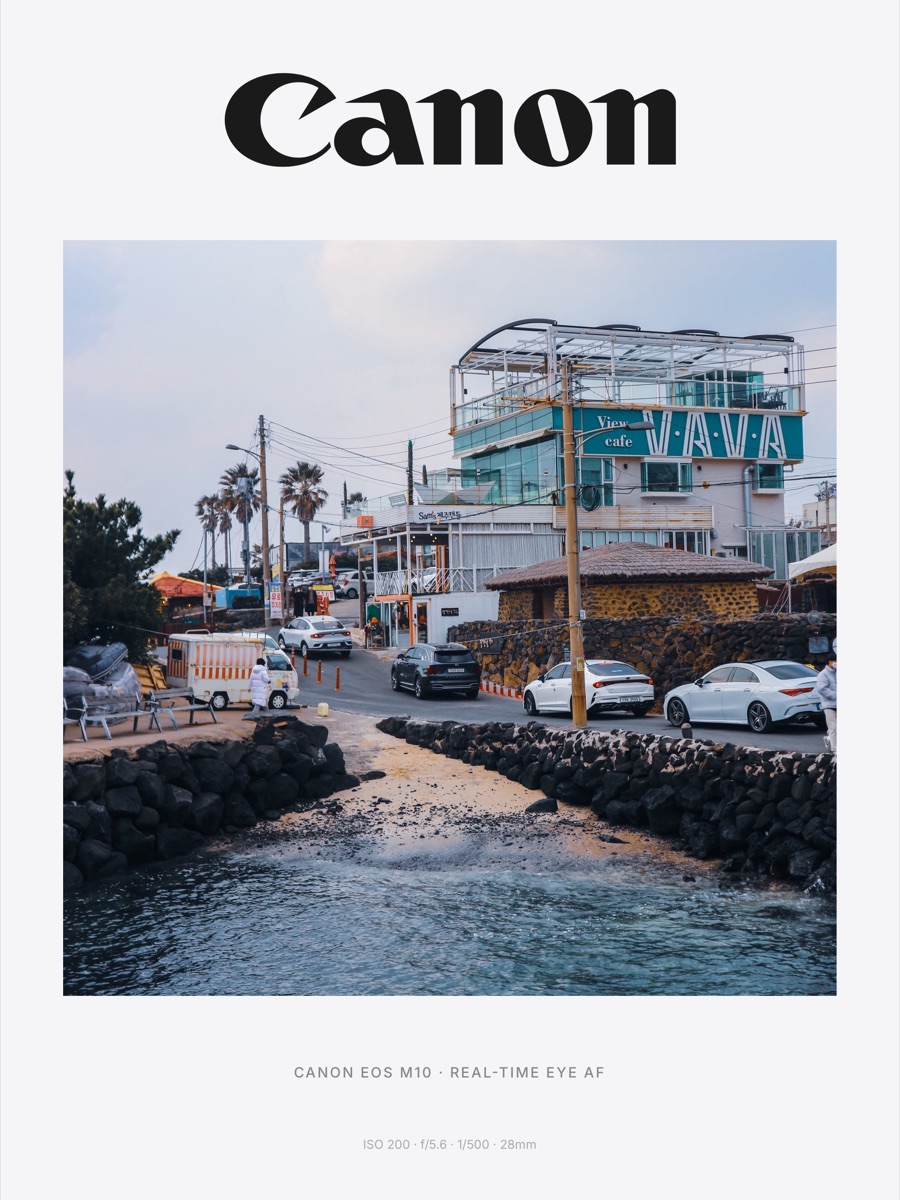
How to add camera info (EXIF) to your photos on iPhone
Show the camera, lens, aperture, shutter speed and ISO on your photo as a clean frame. Step by step on iPhone, plus how to find the info and fix missing data.
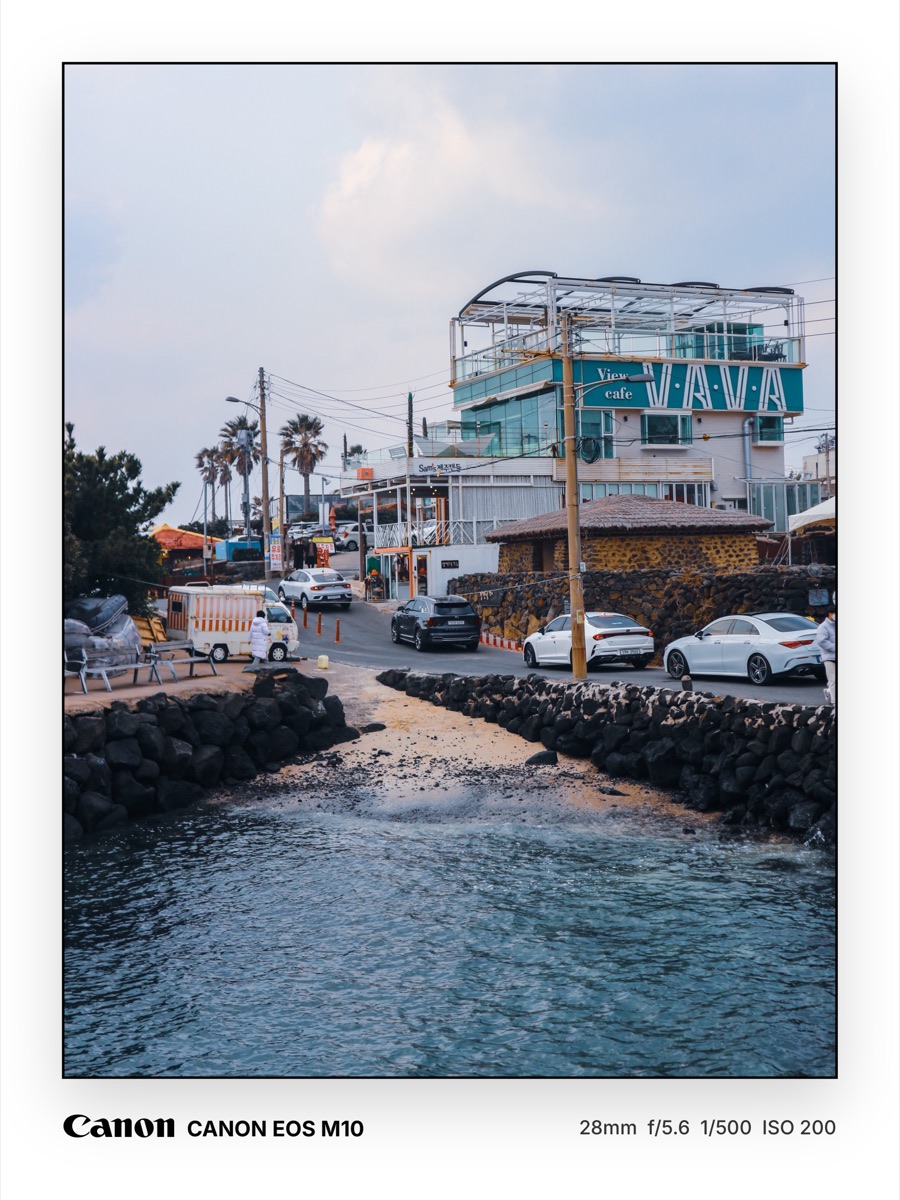
The best EXIF frame and shot-on watermark apps for iPhone (2026)
Compare iPhone apps that print camera, lens and exposure details on your photo, from dedicated EXIF frame apps to all-in-one editors. What each does well.
.jpg)
The best fonts for text-behind-image photos
Which fonts hold up when a subject covers part of your text. Heavy sans, condensed caps, high-contrast serifs and script, with free picks and sizing tips.

The best panorama and carousel split apps for iPhone (2026)
Compare iPhone apps that split a panorama or wide photo into a seamless Instagram carousel, from simple splitters to template makers. What each does well.
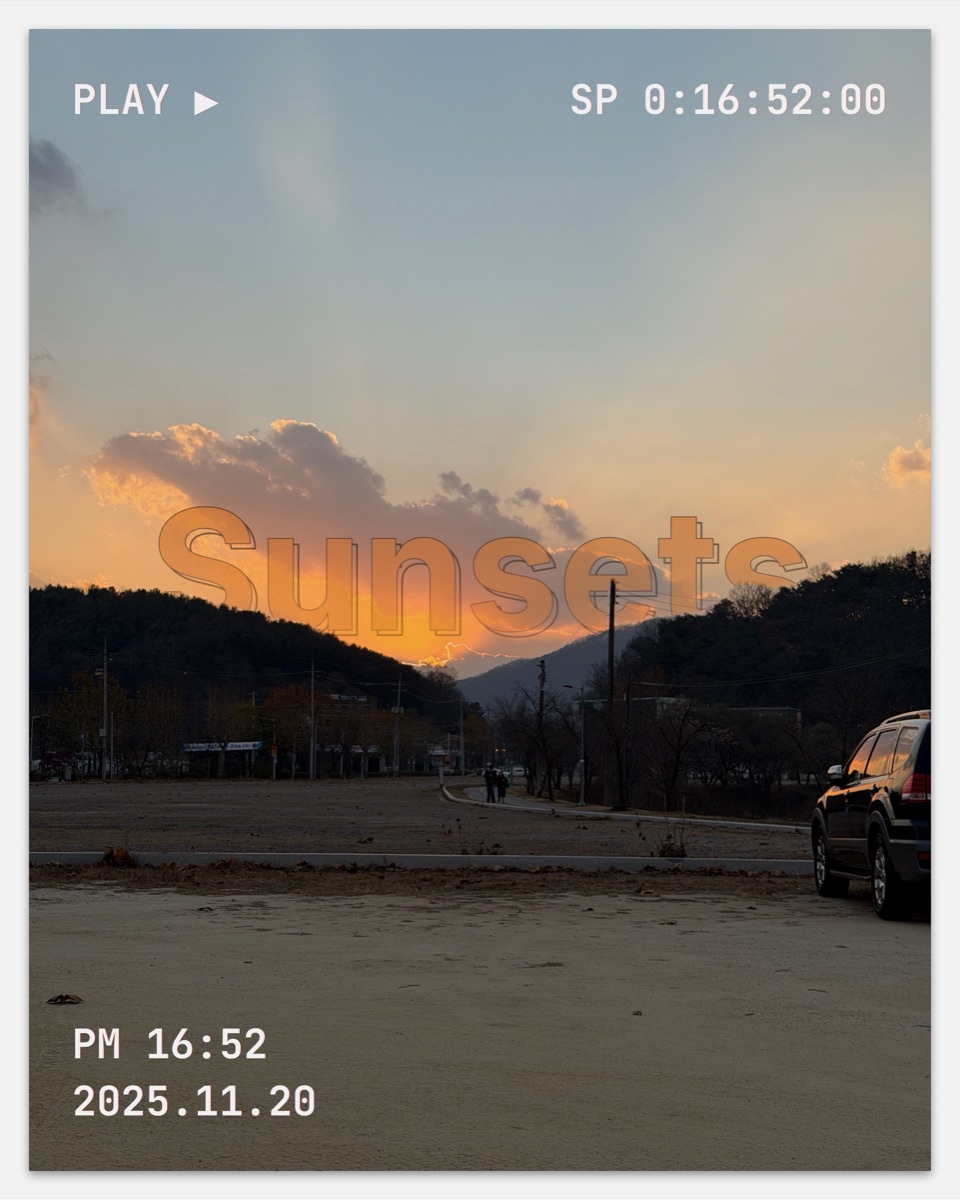
The best apps to put text behind a subject in a photo (2026)
We compared the apps that place text behind a person or object in a photo, from one-tap iPhone apps to Canva and Photoshop. What each is good at, honestly.

Instagram carousel and post sizes in 2026
Current Instagram dimensions for feed posts, carousels, Stories and Reels, plus what the 3:4 profile grid means for your 4:5 posts. Quick reference table.

Phonto alternatives for iPhone (2026)
Looking for something beyond Phonto? Compare iPhone apps for adding text to photos, including ones that put text behind your subject. An honest look.

How to split a panorama into an Instagram carousel
Cut one wide photo into slides that join up as people swipe. Four steps on iPhone, plus the sizes to use.

How to put text behind a person in Canva (and where it falls short)
Step by step: put text behind a person or object in Canva with Magic Grab or BG Remover. Plus what's awkward about it and a faster option on iPhone.
How to put text behind a person in a photo on iPhone
Three ways to place text behind a person or object on iPhone, from a one-tap app to a free method with the Photos app. Step by step, 2026.

How to put text behind a subject in Photoshop
Put text behind a person or object in Photoshop using Select Subject and a layer mask. Two methods, edge-cleanup tips, and a quicker route on iPhone.

Unfold alternatives for iPhone (2026)
Unfold is great for story templates, but it isn't the only option. Compare Mojo, Canva, Adobe Express, Made and layrd for posts, Stories and Reels.
Bring the shot.
Leave with the post.
layrd for iPhone puts text behind your subject in a tap, with 40+ templates, editorial frames, camera details and animated type.