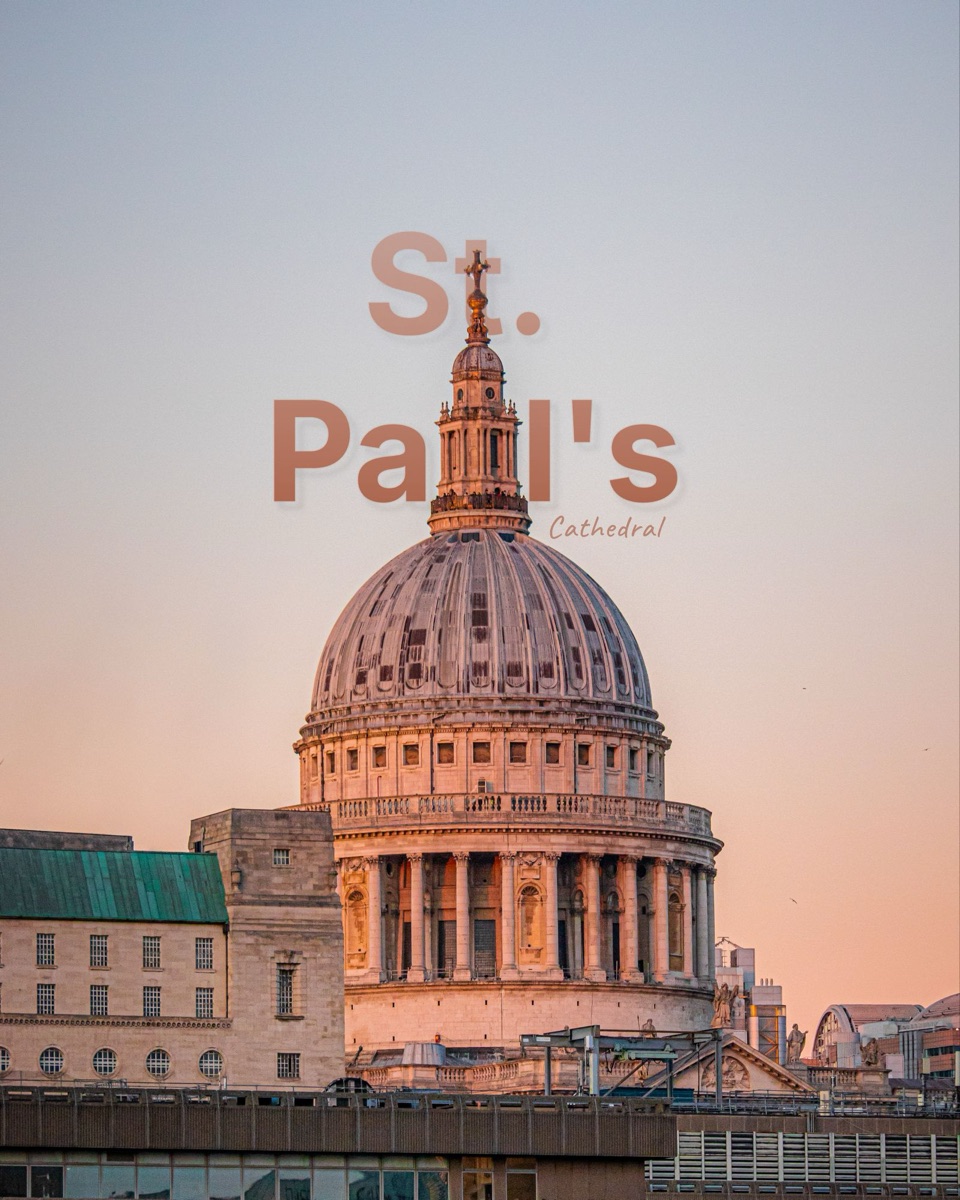
How to put text behind a subject.
Three steps, all in this page. Nothing is uploaded, so it works on any photo you’re happy to keep private.
Choose a photo
Pick one with a clear subject, like a person, a pet or an object, and some space above it. Portraits and travel shots work especially well.
Type your title and drag it
The subject is found for you. Type a word or two, pick a typeface and colour, then drag the text so the subject covers part of it.
Download it
Save it as a JPG or PNG. Switch between In front, Subject and Depth to see how much the effect adds.
Why it looks designed.
Text laid flat over a photo reads like a caption. Text that passes behind the subject reads as part of the scene, the way a magazine cover tucks the title behind the model. Your eye gets a foreground, a middle and a background instead of one flat layer.
Big, heavy letters work best. Let the subject cover the middle of the word, not the start, so it stays readable, and pick a colour that’s already in the photo.
Before you ask.
About the free tool, your privacy, and doing this on your phone.
Is this text behind image tool really free?
Yes, with no signup. Downloads are 1080 pixels on the long edge and carry a small layrd mark. The layrd iPhone app exports at full resolution without it.
Does my photo get uploaded?
No. Finding the subject and drawing the text both happen inside your browser, so your photo stays on your device. The page downloads the detector once, the first time you use it.
Does it work on iPhone?
Yes. Open this page in Safari, choose a photo from your library and drag the text with your finger. The first photo takes a few seconds longer while the detector downloads.
What kind of photos work best?
A clear subject, like a person, a pet or an object, against a background that isn’t too busy, with some space above the subject for the text. For landscapes and cityscapes with no single subject, choose Depth and slide to set how far into the scene the text sits.
How do I put text behind an image on my phone?
Use the layrd app for iPhone. It finds the subject for you and adds 40+ templates, editorial frames, camera details, animated text and full-resolution export. Our guide covers every way to do it on iPhone.
Bring the shot.
Leave with the post.
The full studio is on iPhone: full resolution with no mark, 40+ templates, frames, camera details and animated type.