Coming soon
Coming to layrd.
What we are building next for the iPhone photo layout app: curved text on a photo, multi-photo layouts, new templates and stamps, reveal videos, edit replay and a bigger editor. Every image and clip on this page is real layrd output. There are no release dates yet.
See what layrd does today on the App StoreTemplates
New templates, stamps and elements.
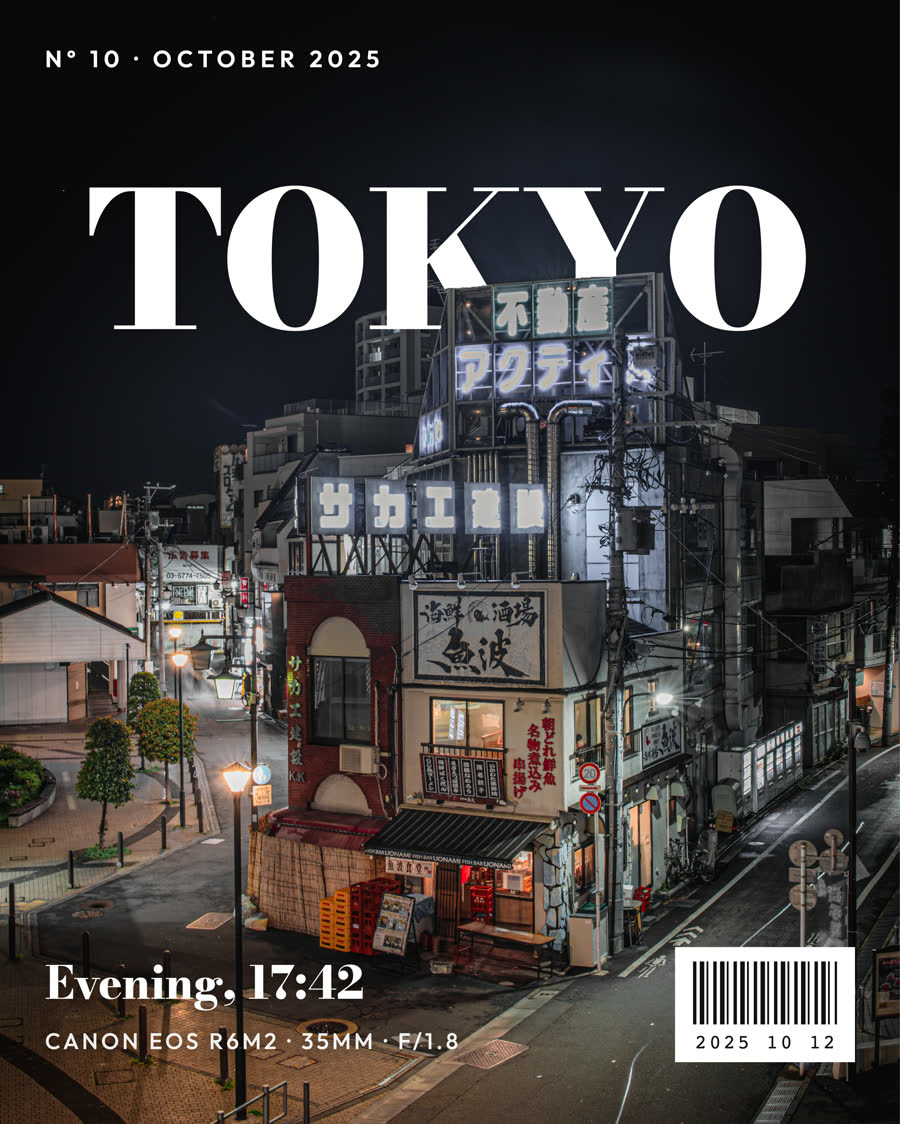
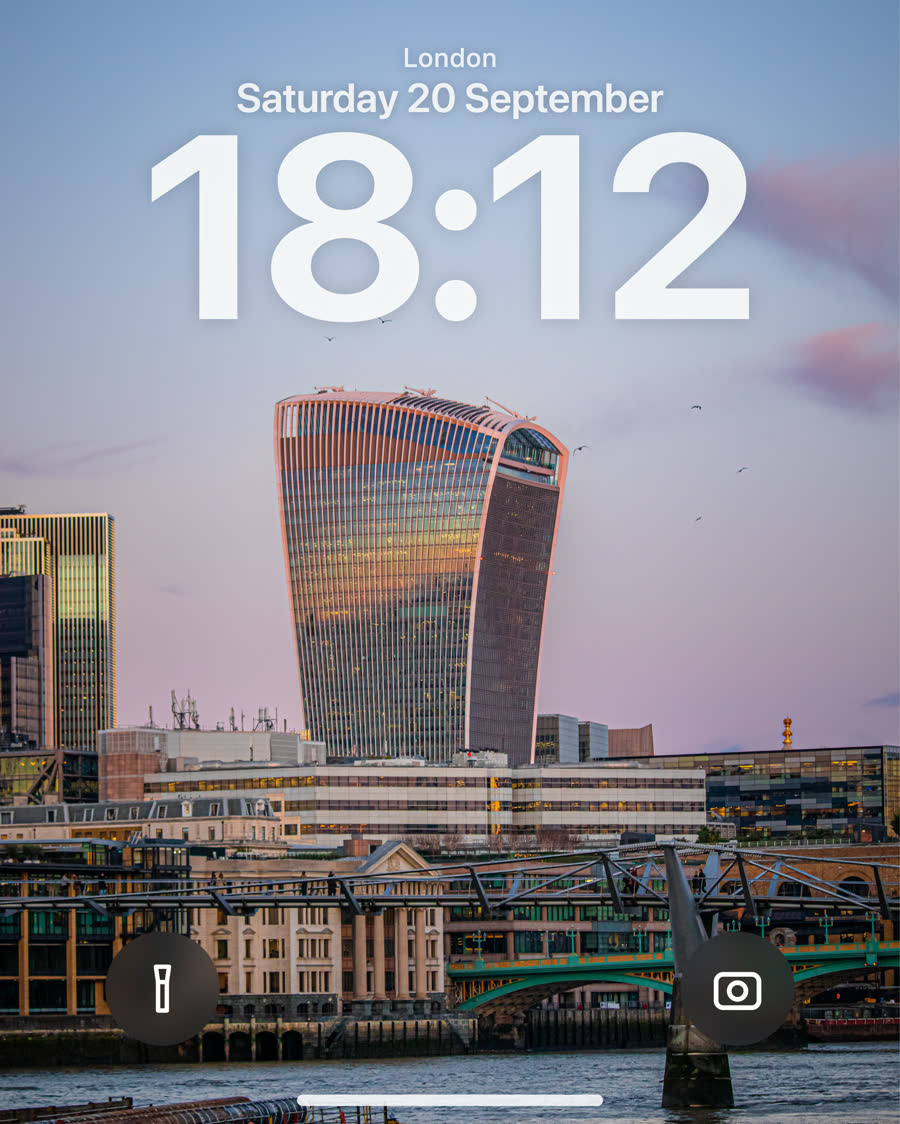
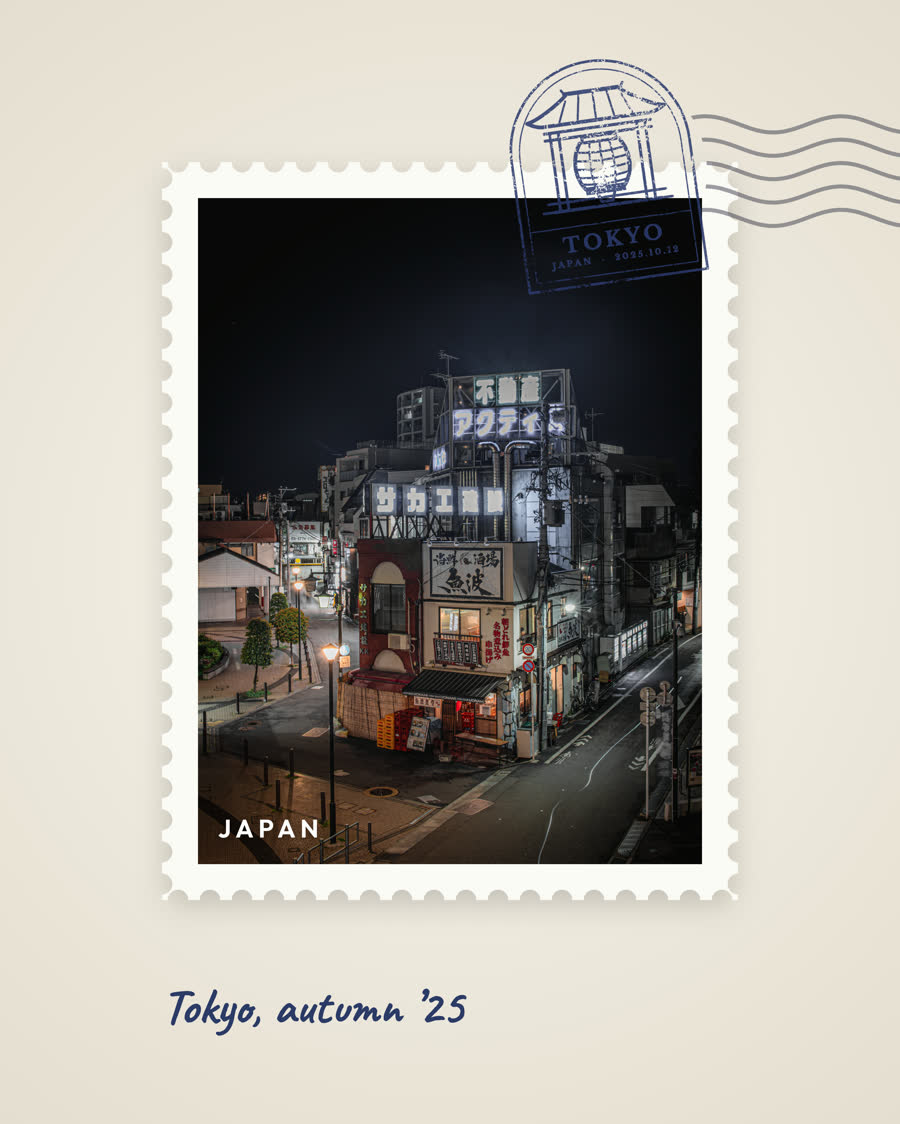
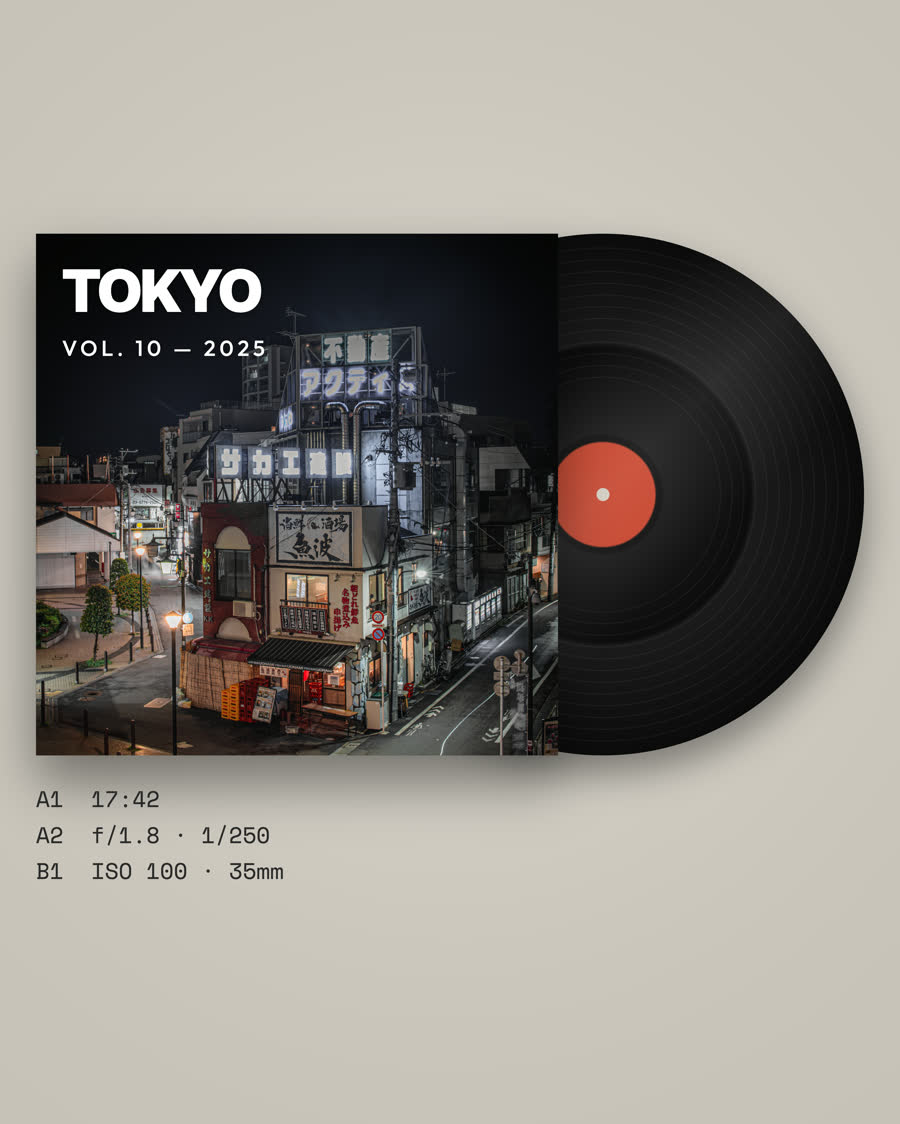
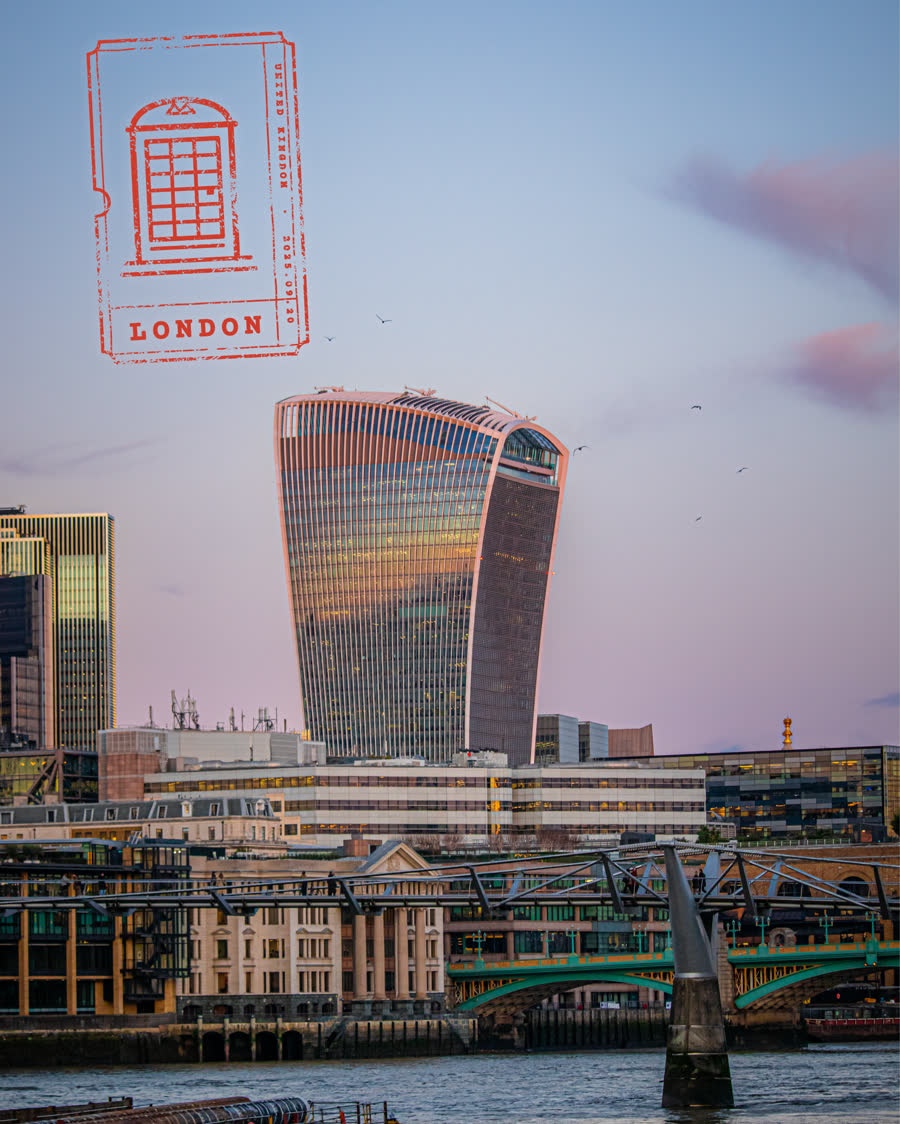
A new set of photo templates that style your picture as a magazine cover, a lock screen, a postage stamp, a record sleeve, a passport page or a gallery wall. Every one is drawn from your own photo and its camera details, and several tuck the title behind your subject.
Stamps and small graphic elements come with them, with an emblem for each country, so a travel photo can look like it came out of a passport.
Text on path
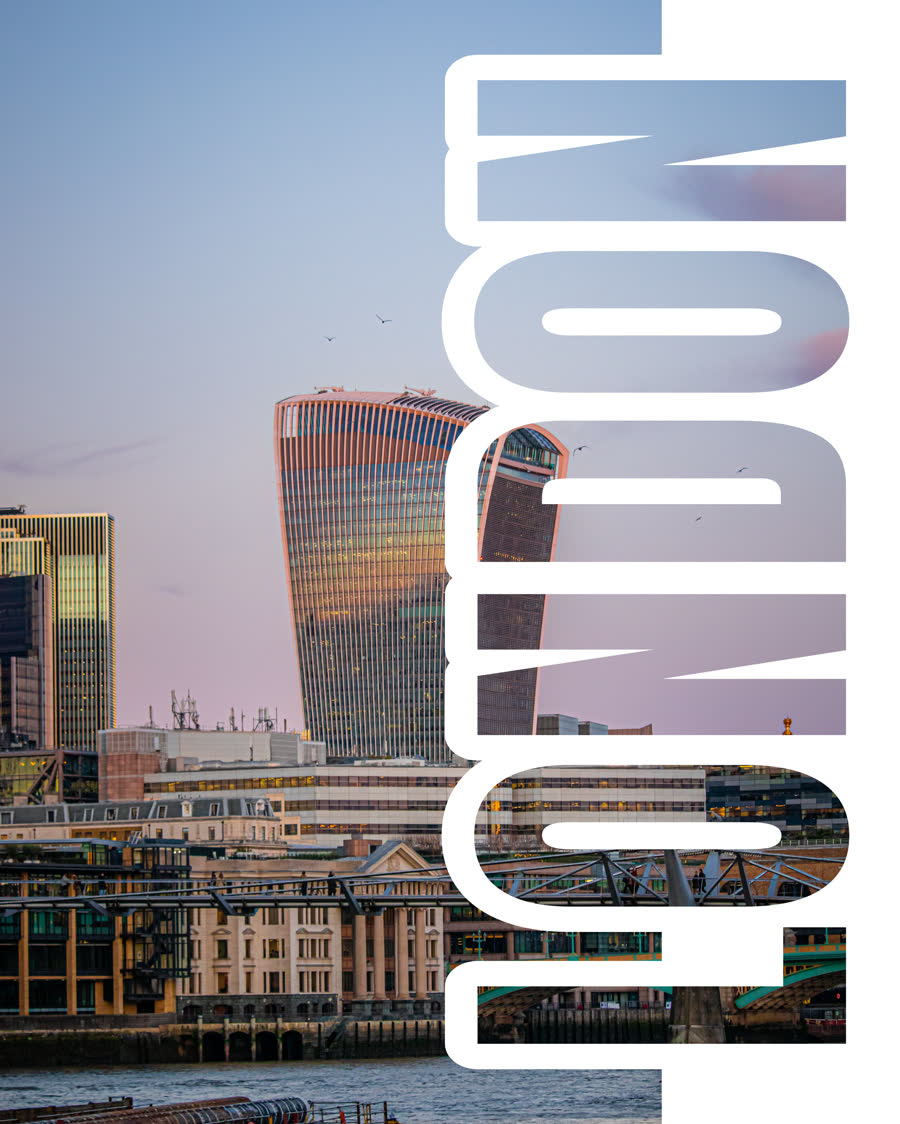
Curved text on a photo.
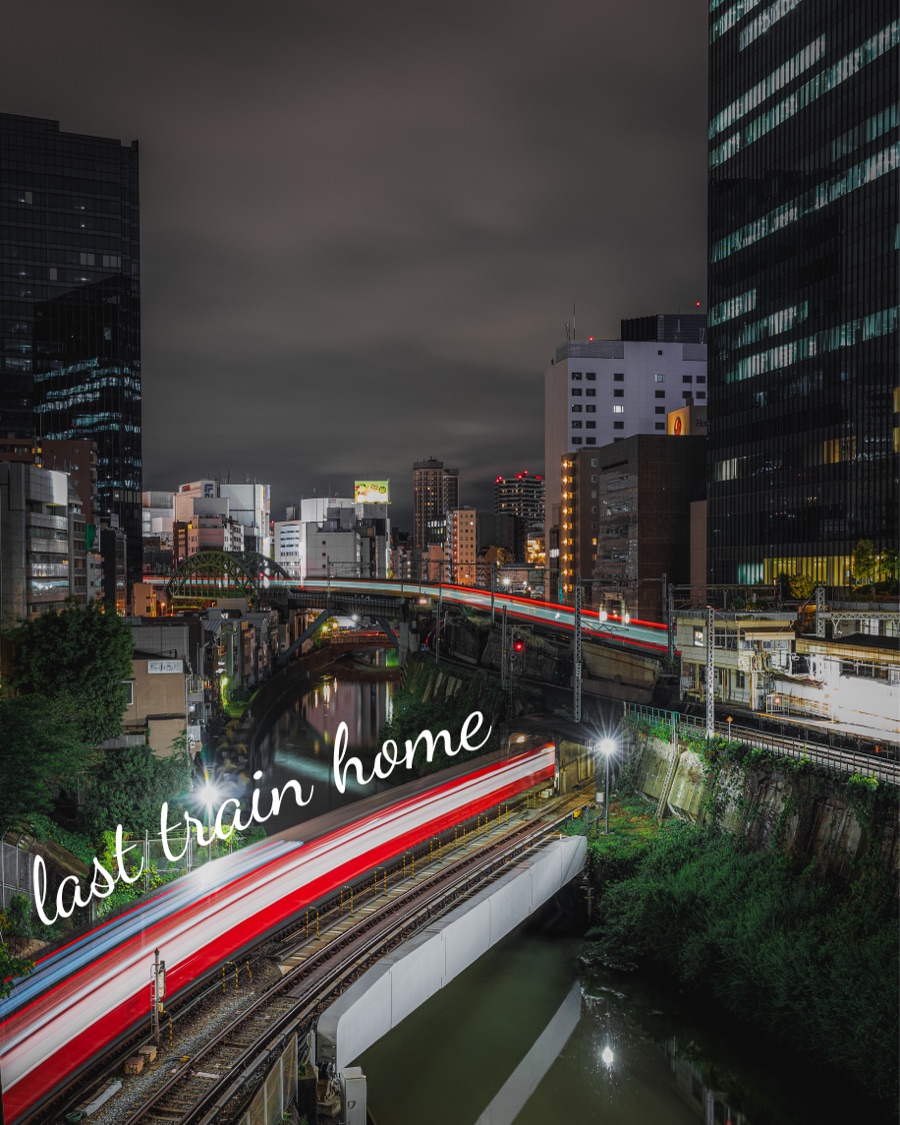
Draw a line across your photo and the words follow it. Arc a title over a skyline or trace a coastline. The curve can be smoothed so a shaky stroke still reads as a clean arc.
Curved text works with text behind subject too, so the letters can pass behind a building or a person as they follow the line.
Layouts
Photo collage layouts.
Put several photos on one page. Pick a layout, drop in your pictures and set the spacing and corner radius. Each photo keeps its own crop, border and template, and your title can sit behind the subject of any one of them.
Projects can also hold more than one page, so a set of posts lives in one file.


Reveal videos
Before and after reveal videos.
Turn an edit into a short before and after video for Stories and Reels. The clip starts on your original photo, wipes across to the finished edit and ends on a short layrd card.
Edit replay
Watch an edit replay.
Save a project, then play its edit back as a video. The replay walks through the steps you took, from the first title to the final depth and shadow settings, so you can share how a photo was made.
iPad and desktop
A bigger editor for bigger screens.
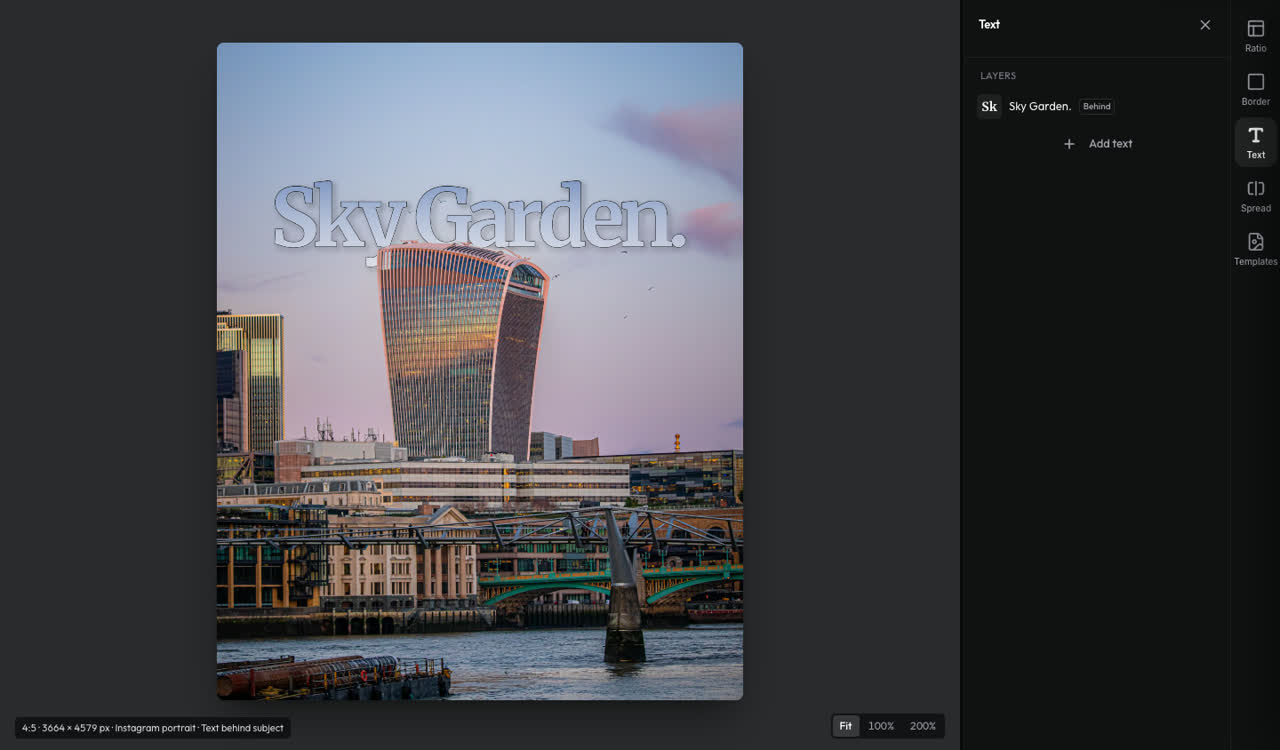
On a wide screen layrd opens a larger editor with a tool panel beside the canvas, before and after, zoom, shortcuts and tool search. It is built for iPad and desktop.
Stay in the loop
Hear it first when it ships.
Leave your email and we will write when new layrd features are ready. One short note, no spam.